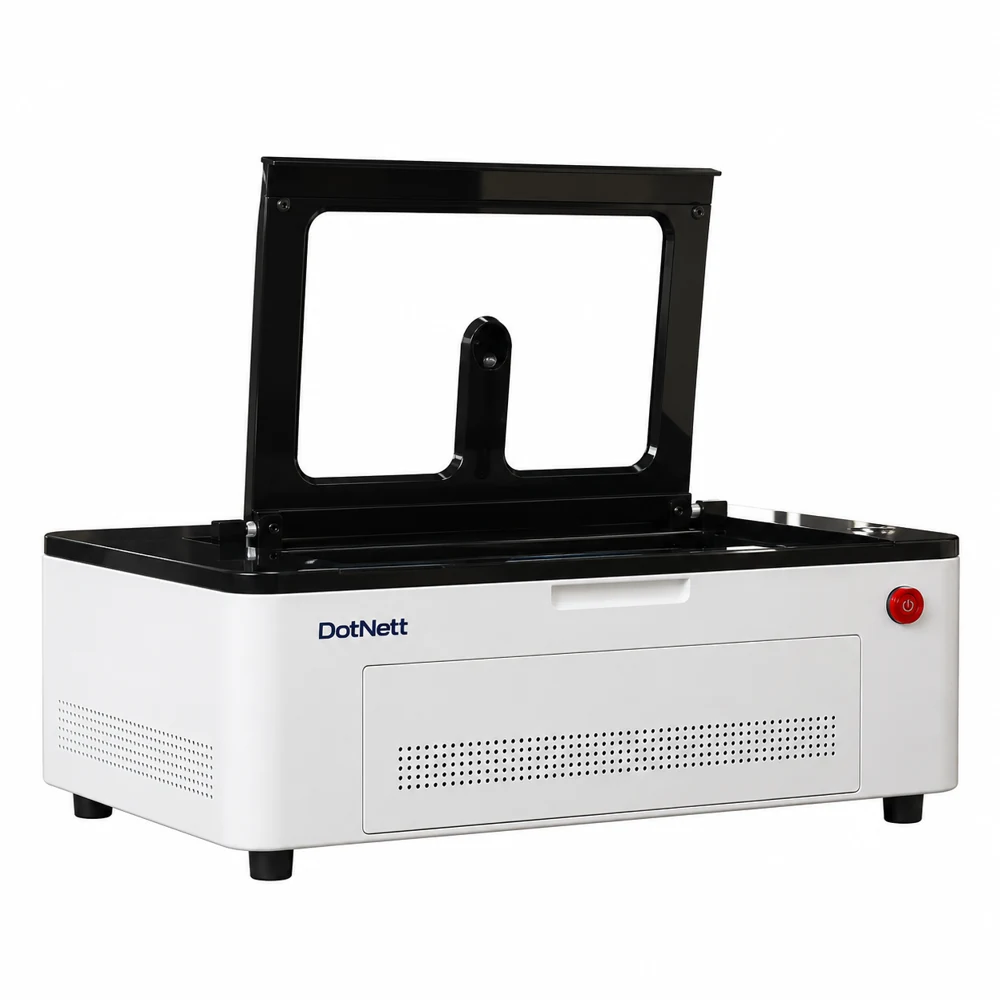
Desktop engraver
VC1 · 300 × 200 mm
A compact 40 W CO₂ engraver with manual focus and Wi-Fi or USB connection.
- Working area
- 300 × 200 mm
- Laser power options
- 40 W
- Laser type
- CO₂ laser tube
Cutting & engraving equipment
From desktop engraving to large-format sheet work, compare DotNett CO₂ laser configurations by working area and tube power. Start with the material and finished part you need to produce.
The range
Selected configurations from the desktop, cabinet and production ranges. Power options below belong to the named model; confirm your final configuration when requesting a quote.
Desktop engraver
A compact 40 W CO₂ engraver with manual focus and Wi-Fi or USB connection.
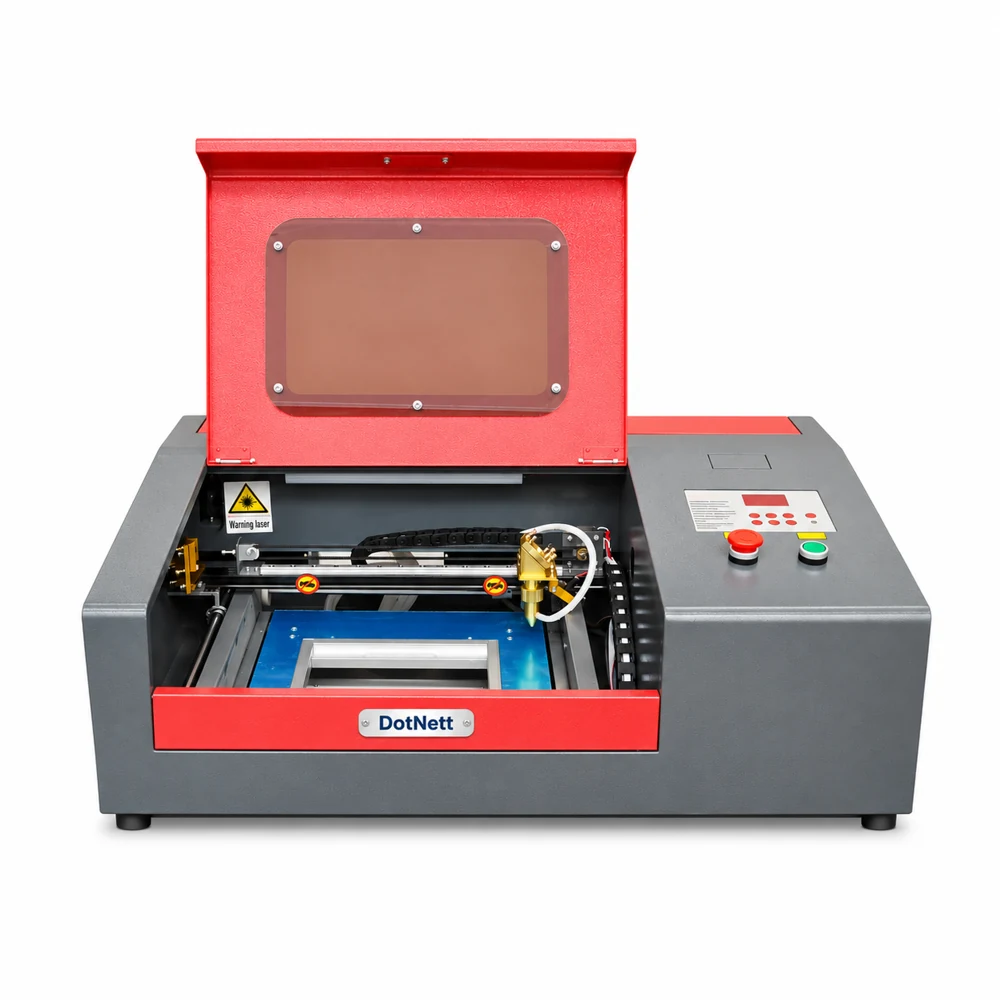
Compact CO₂
Desktop formats for small engraving and cutting work, with the size and tube power selected together.
Cabinet CO₂
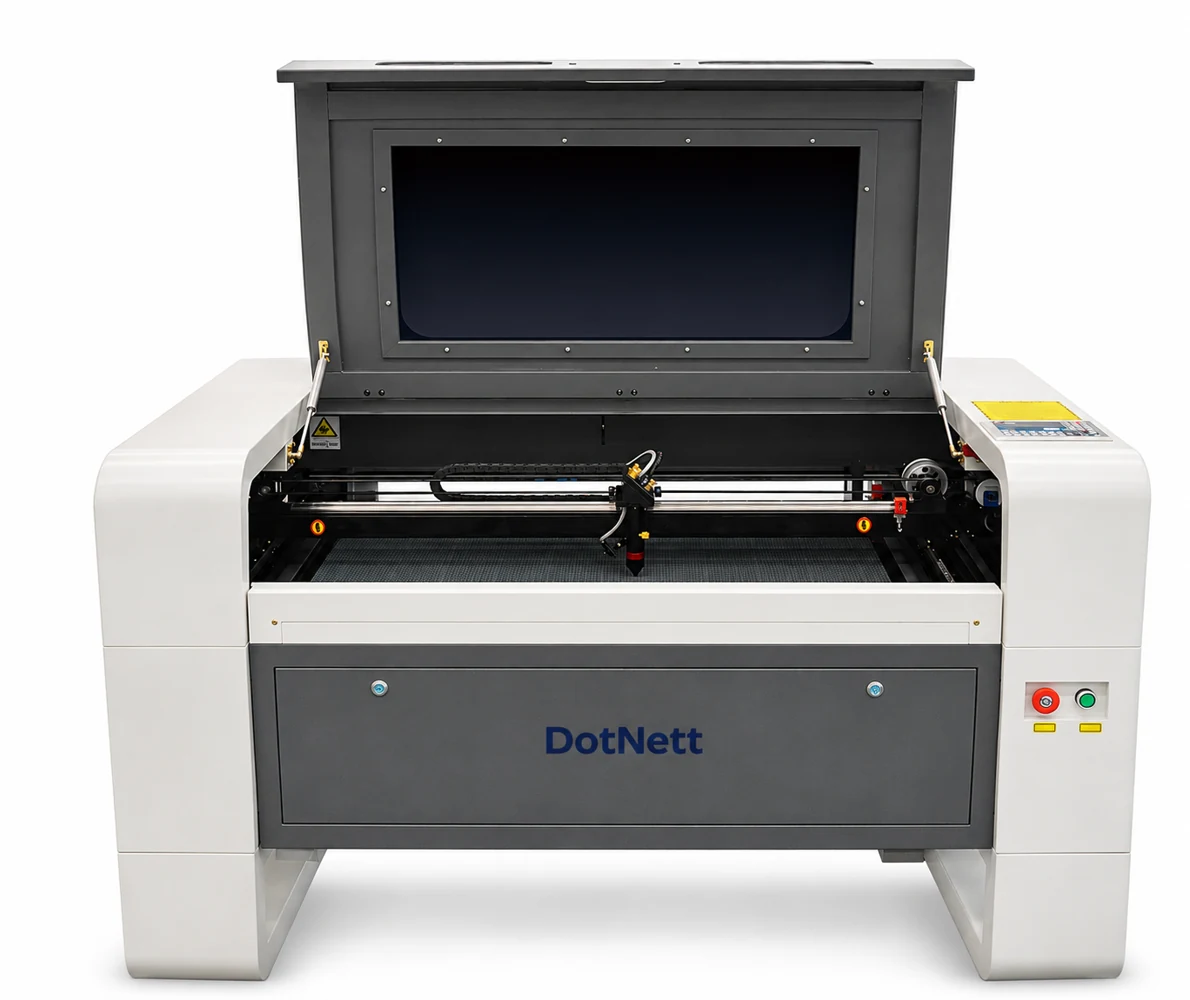
The VS cabinet series includes several model formats, with an open-lid work area.
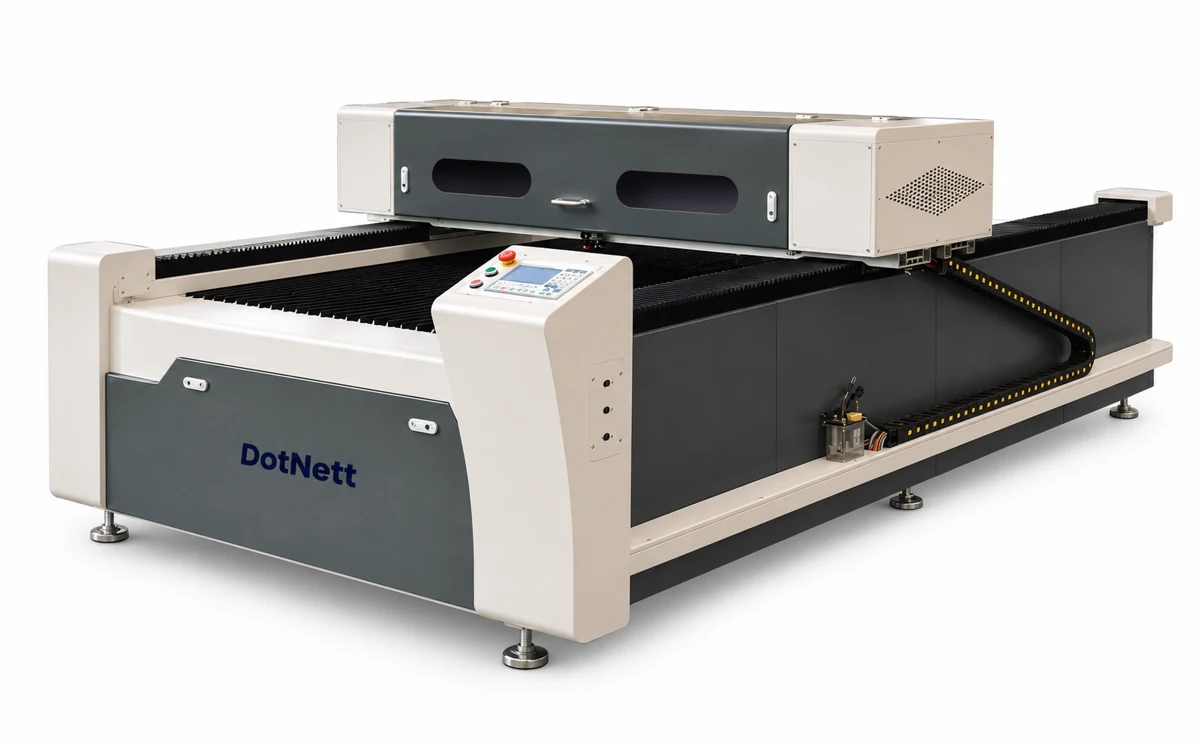
Large-format CO₂
Open-bed and rack-style CO₂ machines for larger sheet formats.
Before you choose
Working area, tube power and the supporting equipment all matter. Share a sample drawing and material details before choosing your laser.
CO₂ lasers are used to cut and engrave acrylic for signs, letters and display components. State whether the job needs a cut edge, an engraved surface or both, and provide the acrylic type and thickness.
Compare the 300 × 200 mm VC1 and V3020 formats with the 900 × 600 mm VS9060 and 1300 × 2500 mm 1325 format. Choose a bed around the largest part or sheet you need to load.
Ask about cooling, extraction, air assist, controller, software and accessories for the chosen model. Request a material test for the required cut and finish; a wattage figure alone is not a cutting-thickness specification.
Questions & answers
Need a specific configuration? Send the details of your job to DotNett.
The examples here range from a 300 × 200 mm desktop work area to a 1300 × 2500 mm flatbed. The full laser catalog includes additional desktop, cabinet, dual-head and feed-through production ranges.
CO₂ lasers are used for acrylic cutting and engraving. The finish depends on the acrylic type, thickness, settings and machine configuration. Send a sample requirement so the intended material and result can be checked.
Power is one part of the configuration. Material, optics, focus, cooling and the required edge finish also need to be considered. Ask for a test on your material and thickness rather than choosing from wattage alone.
Fiber cutting and marking have separate categories in our full laser catalog. If your main job is metal work, send the metal type, thickness and intended process so the relevant range can be reviewed.
Send material type and thickness, largest part or sheet size, whether you need cutting or engraving, and a sample file if available. Ask for the selected power, cooling, extraction, software, accessories and delivery details to be listed in the quote.
Talk to DotNett
Send your material, thickness, largest part and required finish.
Request the current price, available configuration and delivery details.